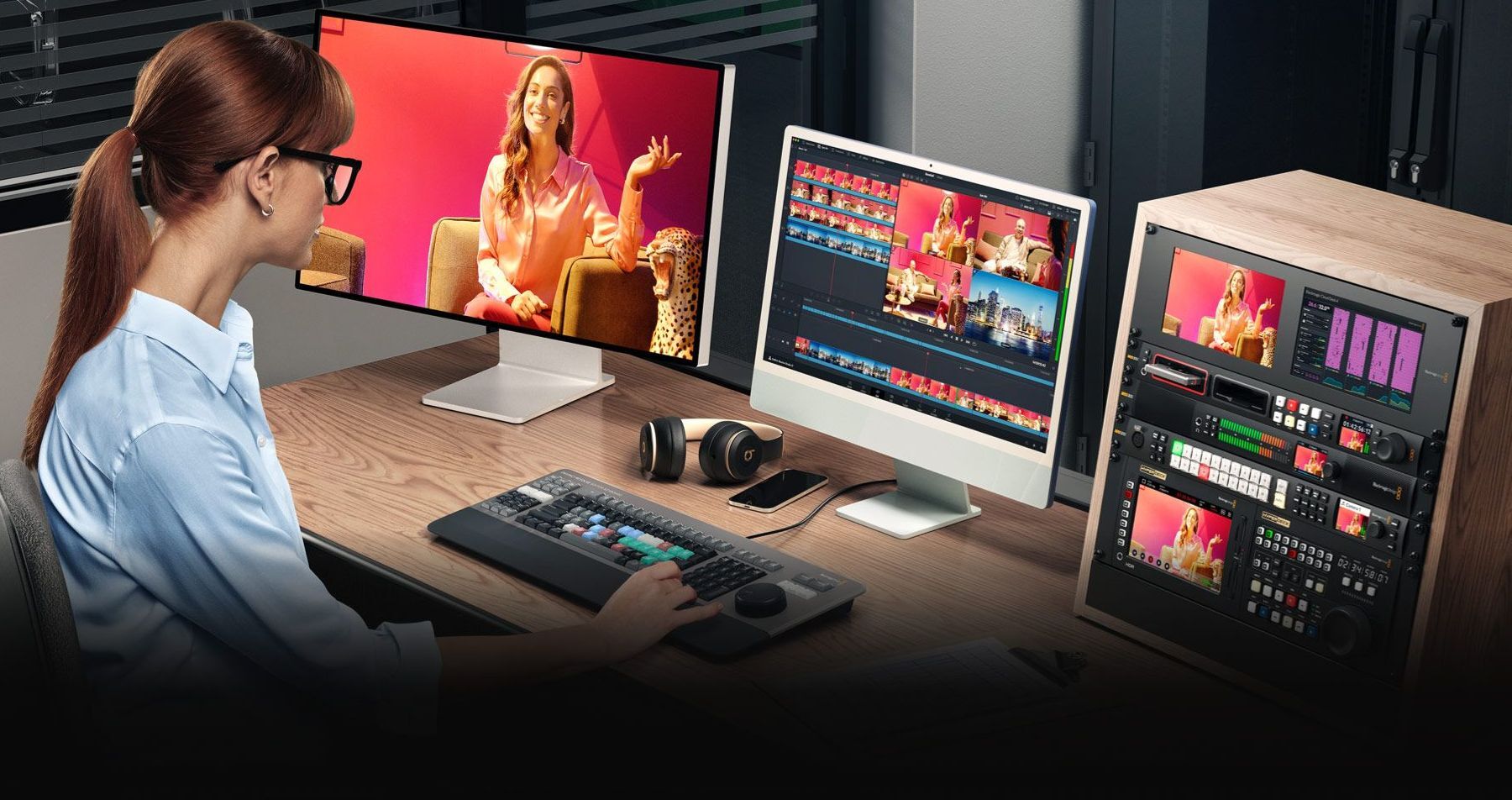
Public Beta 3 brings several improvements, bug fixes, and new features to Blackmagic's free grading, editing, compositing, audio mastering, and now photo editing program, DaVinci Resolve 21 (Studio). These include the ability to control and perform live recording with the Sony 7 V and support for decoding Panasonic Lumix RW2 RAW files. Additionally, there are improved MultiMaster collaboration workflows, color management for still images, support for immersive YouTube metadata for VR and stereoscopic rendering, as well as new scripting APIs and many other improvements.
Blackmagic DaVinci Resolve 21
Compatibility between versions
According to Blackmagic, care has been taken in DaVinci Resolve 21.0b3 to keep project libraries compatible with DaVinci Resolve 20.3.2. As a result, while a project library can still be opened with version 20.3.2, individual projects created or opened in 21.0b3 are no longer accessible in DaVinci Resolve 20.3.2. Blackmagic therefore recommends creating a full backup of the project library as well as backup copies of individual projects before opening them in DaVinci Resolve 21.0b3.
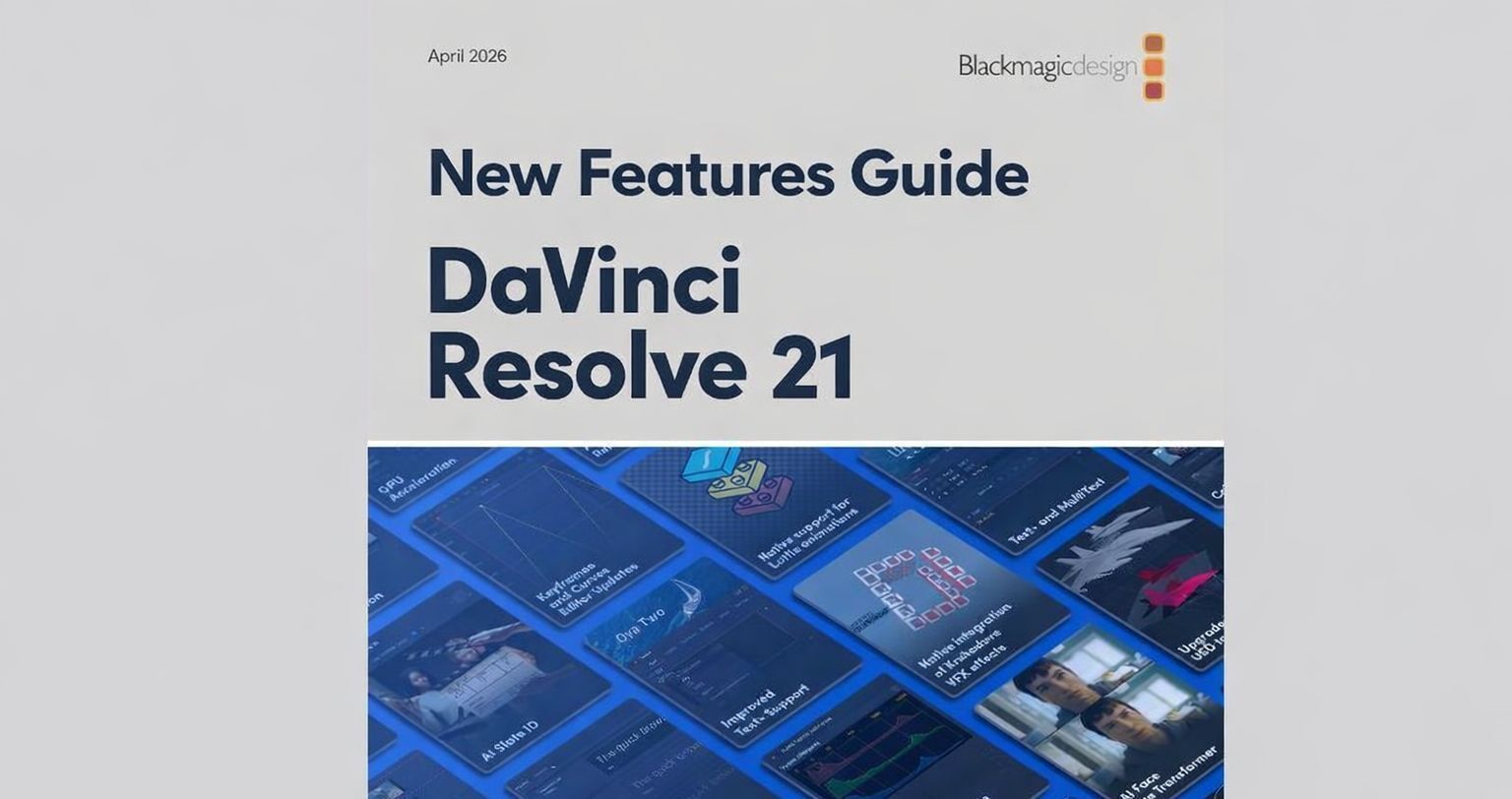
New Feature Guide for Resolve 21
New Feature Guide for Resolve 21
For those who want to learn about the new features of Resolve 21: Blackmagic recently published the New Features Guide for DaVinci Resolve 21, which explains all new features in detail across approximately 150 pages.
New features in DaVinci Resolve 21.0 Beta 3
Camera and recording functions
- Ability to control and perform live recording with Sony 7 V cameras. - Improved user feedback for camera tethering errors. - Photo page recording controls for camera orientation. - Photo page recording option to add to a new album.
RAW, photo, and still support
- Support for Panasonic Lumix RW2 RAW decoding. - Color space and gamma controls now work for NEF sRAW stills. - Fixed highlight issue for some still types in RCM projects. - Fixed chromatic aberration and distortion correction issues for RAF stills. - Fixed ProRAW gamma issue in RCM projects. - Improved compatibility of exported sRGB HEIC files with other image editing programs. - Fixed issue with updating crop controls for photos. - Fixed issue with reset actions in the photo page Inspector. - Fixed issue where keyword entry for photos sometimes deleted existing keywords. - Support for changing Inspector parameters for multiple selected photos. - Improved handling of mirroring and orientation for Lightroom catalog imports. - Improved information in photo thumbnails at small thumbnail widths.
Photo page and Lightbox
- Display Lightbox in SDI in remote monitoring workflows. - Double-click a photo in the Lightbox to view it in the single viewer. - Cinema Viewer on the photo page does not show playback control overlay.
Lottie, OGraf, and Motion Graphics
- Loop and extension support for Lottie animations. - Improved support for OGraf animations that only work in real-time. - Add OGraf and Lottie clips to the timeline via keyboard shortcuts or viewer overlays. - Fixed issues with OGraf caching and rendering.
MultiMaster, HDR, and Color page
- Ability to manage active MultiMaster trim per timeline. - Ability to manage active MultiMaster trim per project collaborator. - HDR controls are now limited to the MultiMaster Hero trim. - Fixed context menu option for labeling nodes in list view. - Fixed clip focus when switching between A-mode and C-mode sorting on the Color page. - Fixed printer light status when using advanced panels.
Cut and Edit page
- Source timecode for Source Tape and Multiview reflects the underlying media. - Audio waveform in the Source Viewer now persists across app restarts. - Support for trim tooltips on the Cut page. - Assign keyboard shortcuts to create or switch group versions. - Fixed issue with retime smoothing when using speed ramp actions. - Fixed update issue when moving clips from multi-selected bins. - Fixed some issues with media pool layout and sort order persistence.
Fairlight and Audio
- Fairlight mixer control to expand or collapse folder tracks. - Support for solo and mute controls for folder tracks. - Fixed issue with audio recording in ASIO mode on Windows. - Fixed Fairlight ducker issue with lookahead and recovery controls.
VR, Immersive Video, and YouTube
- Improved Stereo3D VR metadata for side-by-side and top-bottom YouTube renderings. - YouTube VR video renderings now include spherical immersive data. - Fixed incorrect immersive metadata for timeline sections with disabled clips. - Fixed issue creating proxies for immersive clips.
Macro Editor
- Support for multiple selection of controls in the Macro Editor. - Macro Editor option to save as a macro or as a group. - Click on a control in the Macro Editor to highlight matching settings. - Fixed issue where the Macro Editor did not include connected inputs.
Scripting API
- Scripting API support for running IntelliSearch analysis. - Scripting API support for running Slate analysis. - Scripting API support for the Speech Generator. - Scripting API support for removing motion blur for media clips. - Scripting API to disable all background tasks for the current session.
AI and analysis functions
- Improvements to the face age transformer for small age changes, poor lighting, and partially obscured faces. - Fixed issue with AI UltraSharpen artifacts in images with negative pixel values. - Fixed hangs when rendering Magic Mask in Place in certain projects.